


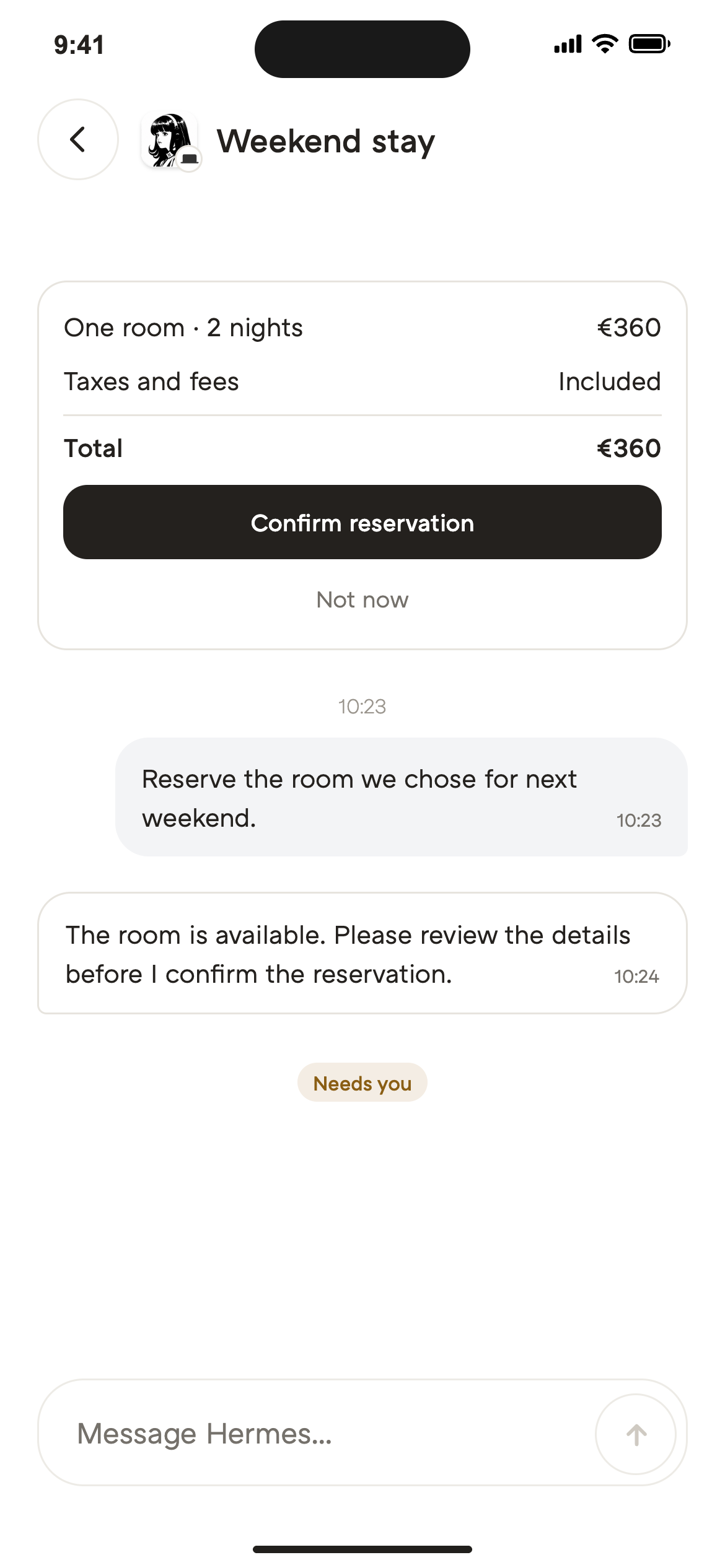

An assistant you can text or call
The scene is taking longer to load.
The scene is taking longer to load.
Browse NaturaNatureOS
Send requests through Interface, connect your agents and choose the apps they can use. Follow their progress in NatureOS.
From a request to a result
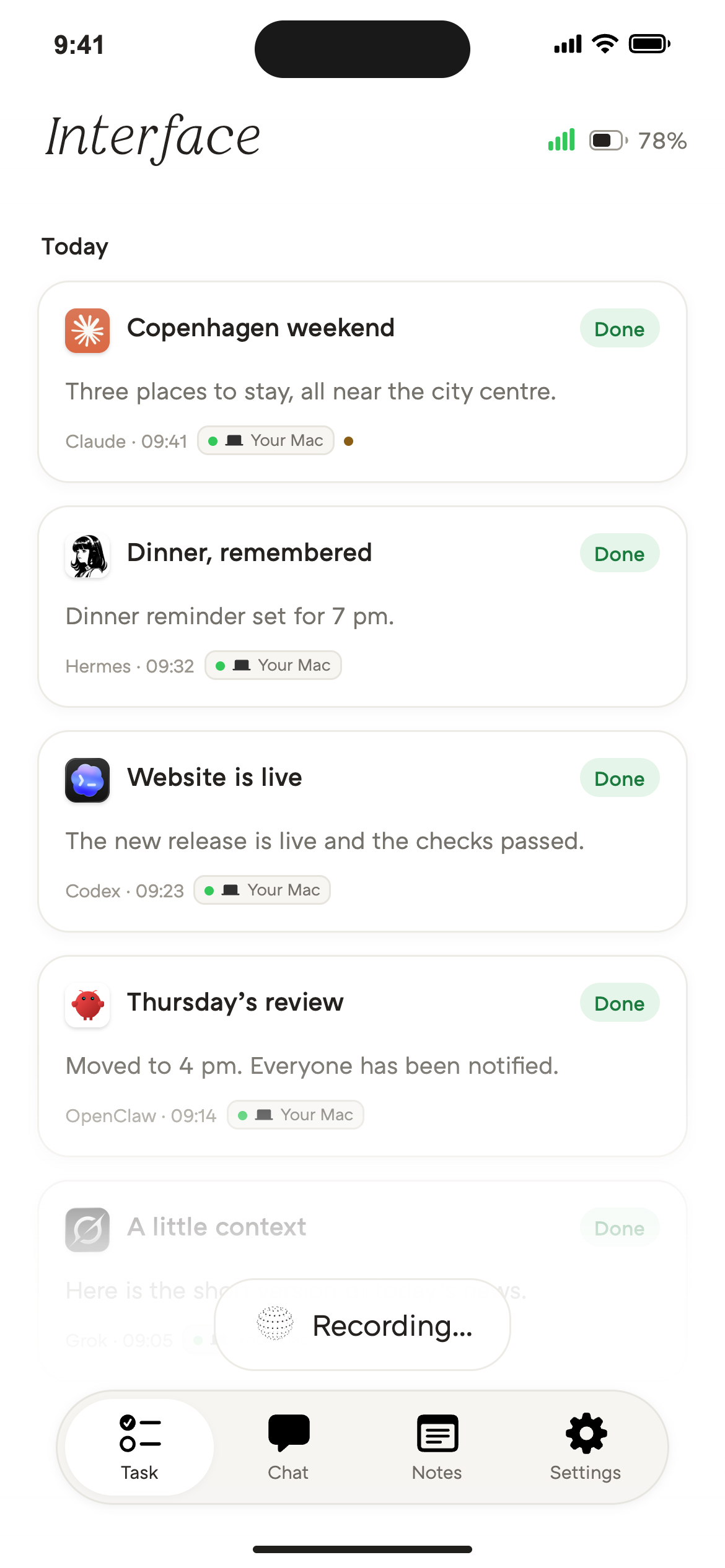
Press Interface and say what you need. Your connected agent takes the request from there.
How it comes together
Interface is how you ask. NatureOS connects the pieces.
Your chosen agent does the work, using the apps it is connected to.






Agent store
Find an independent agent for your next task. Availability and NatureOS connections vary by provider.
An assistant you can text or call
Helps turn plans into finished work
AI teammates for work in your tools

Builds and fixes software

Writes, tests and reviews code

Remembers tasks and learns skills

Handles daily tasks by text

Productivity assistant

Productivity assistant
Assistants and companions by text

Productivity assistant

Turns messages into reminders
Your connected devices
One connected workspace. With you at your desk and on the move.
The reply meets you where you are
Hear a reply, check progress on your lock screen or open the full result in the app.

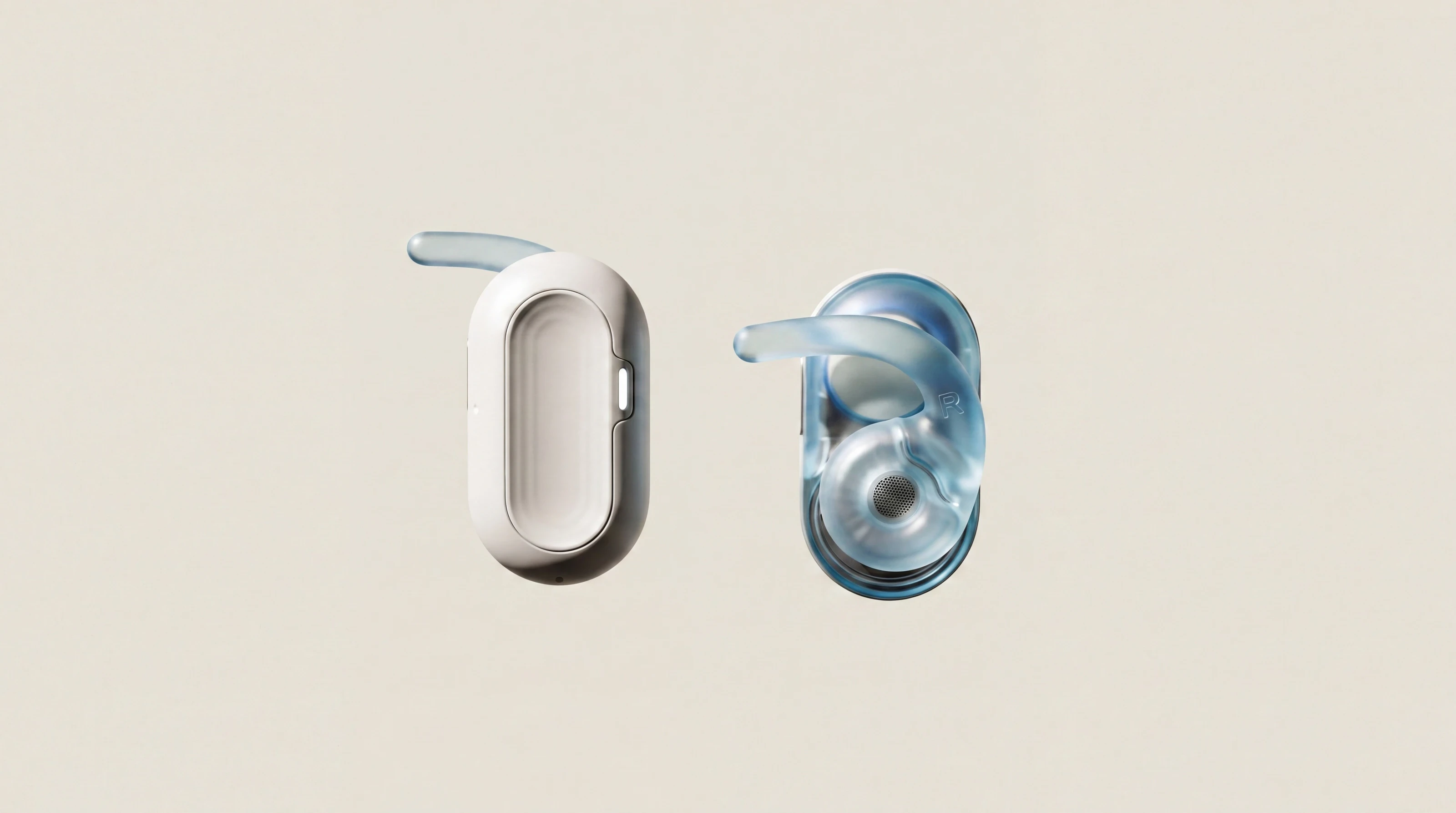
Hear a reply through HumanPods or the headphones you already use.
Explore HumanPodsFollow progress in a Live Activity, right on your iPhone lock screen.
Explore NatureOS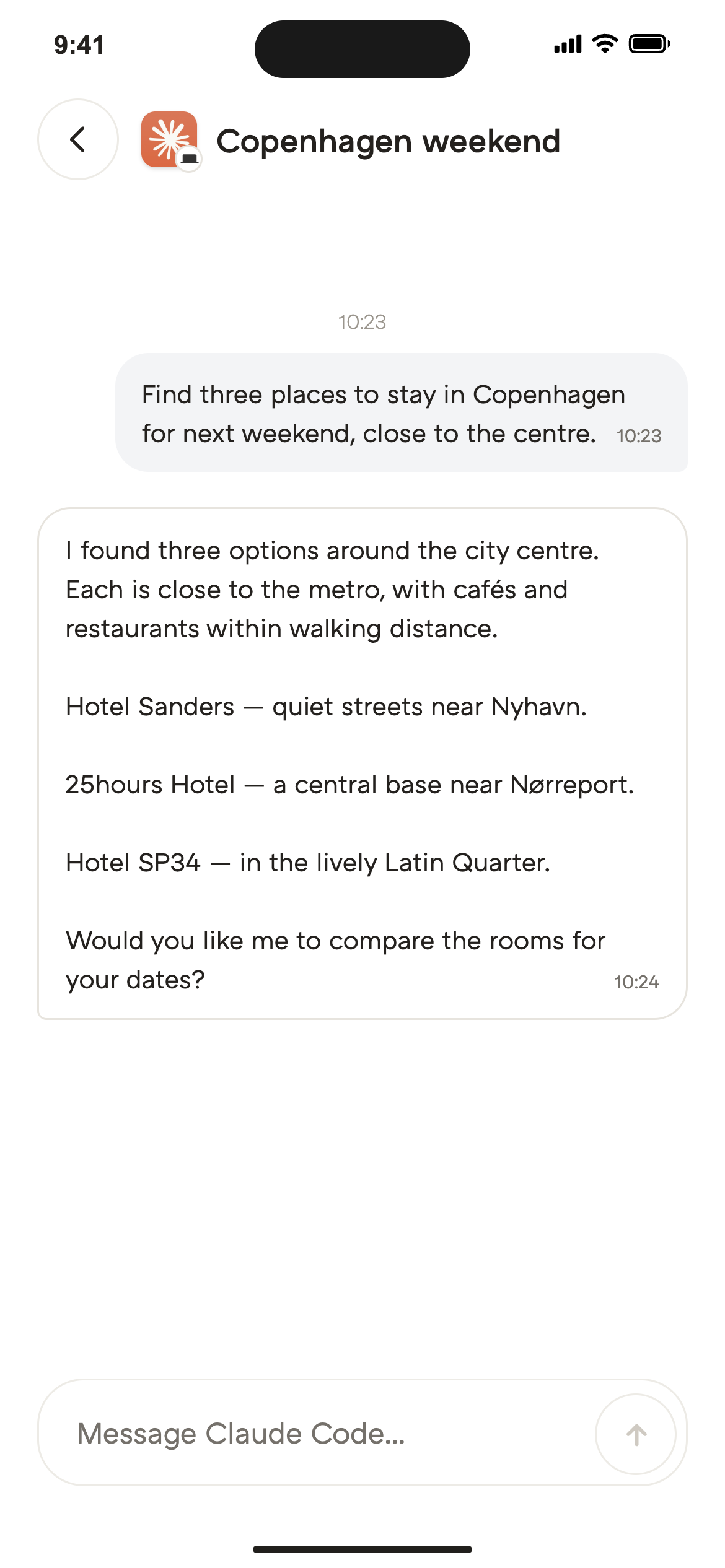
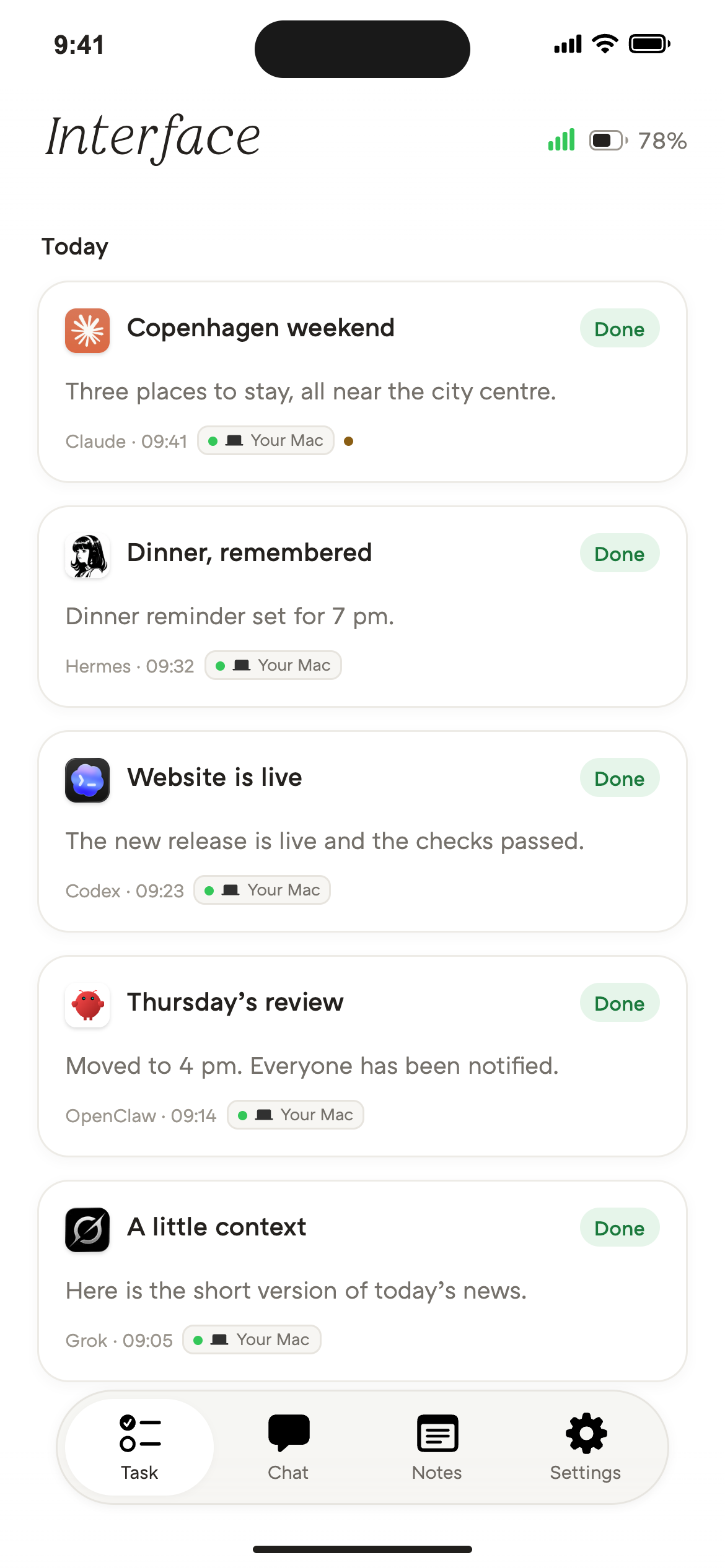
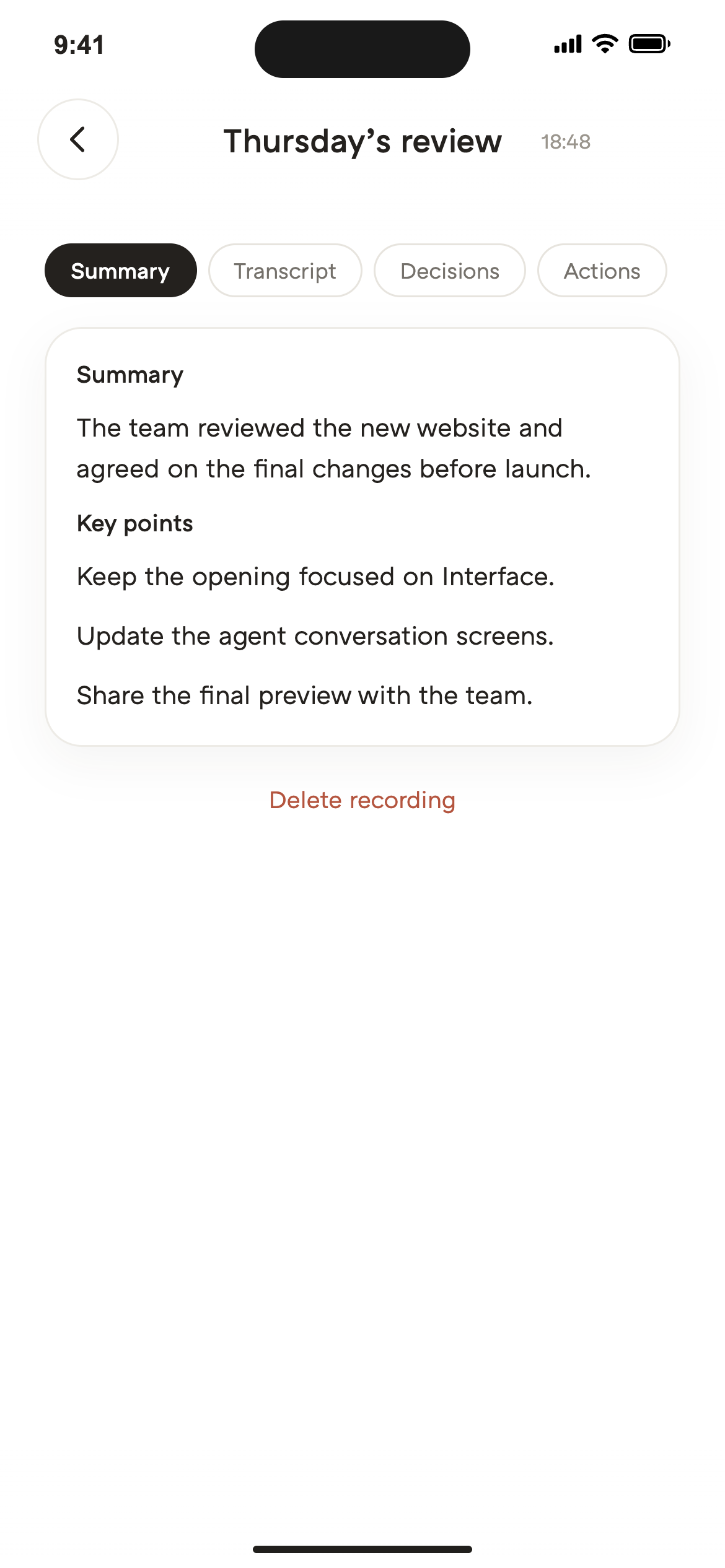
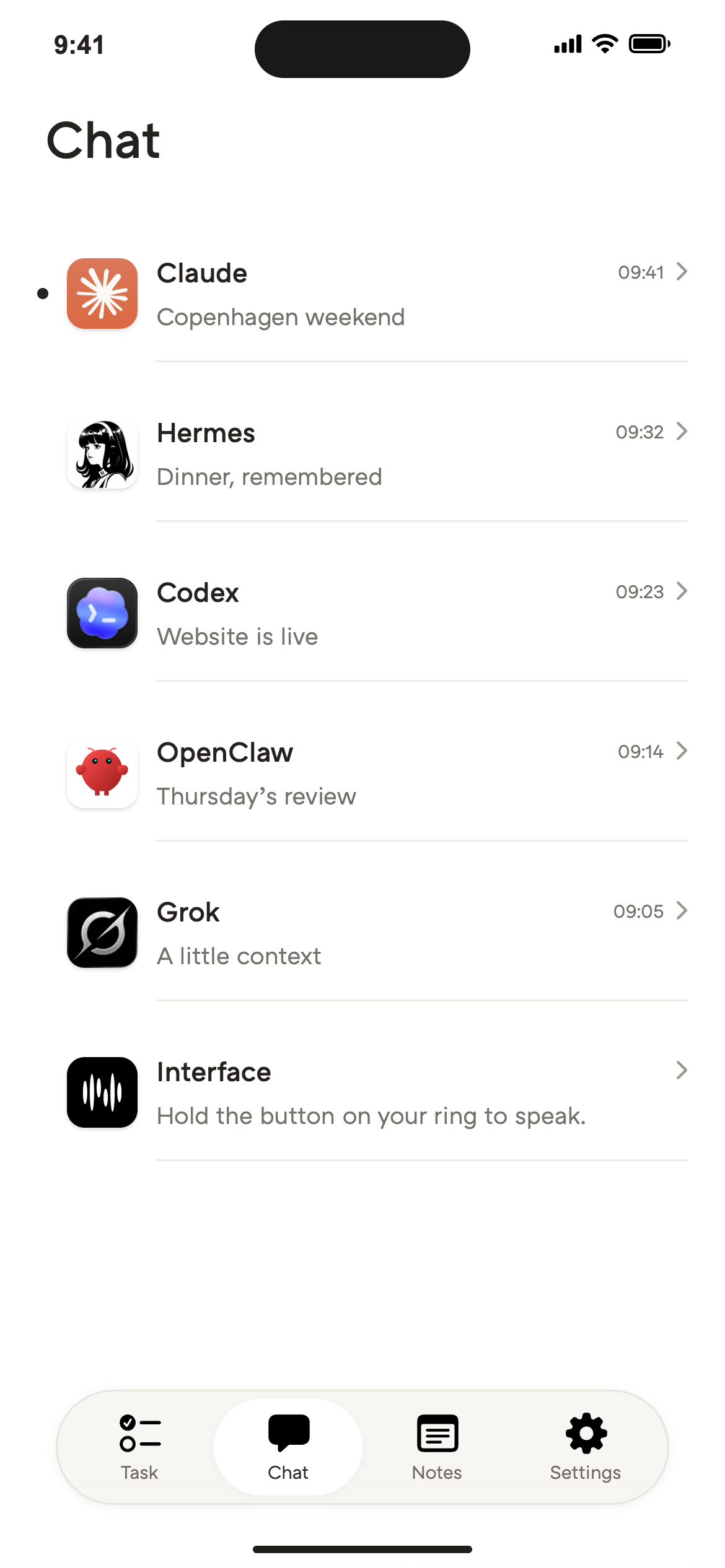
Read the full result, review files and continue the conversation.
Discover the appSee how Natura handles your data and how to manage your privacy choices.
Read the privacy policyNatureOS connects your devices, agents and apps. Your chosen agent does the work. NatureOS lets you send the request, manage access and review the result.
The Mac app connects agents running on your computer. The iPhone app lets you send requests, follow tasks and continue conversations. Where the work runs depends on the agent: on your Mac or through a remote service.
Yes. Review connected apps and agent permissions in NatureOS, then update or remove access when you need to. Health and location sharing are optional.
No. Connected agents keep their own memory systems. NatureOS lets you review task history, permissions and the memory controls each connection supports.
Use Open conversation to reach the provider’s published chat entry point. Some agents require local setup or do not publish a direct chat link. Availability, pricing and NatureOS connections depend on the provider.
No. You can use the headphones already connected to your iPhone. Depending on the task, you can also follow a Live Activity on the lock screen or open NatureOS for the full result.
Still have a question?
Ask Tiny directlyWe’ll message you when your place in line is ready to order.